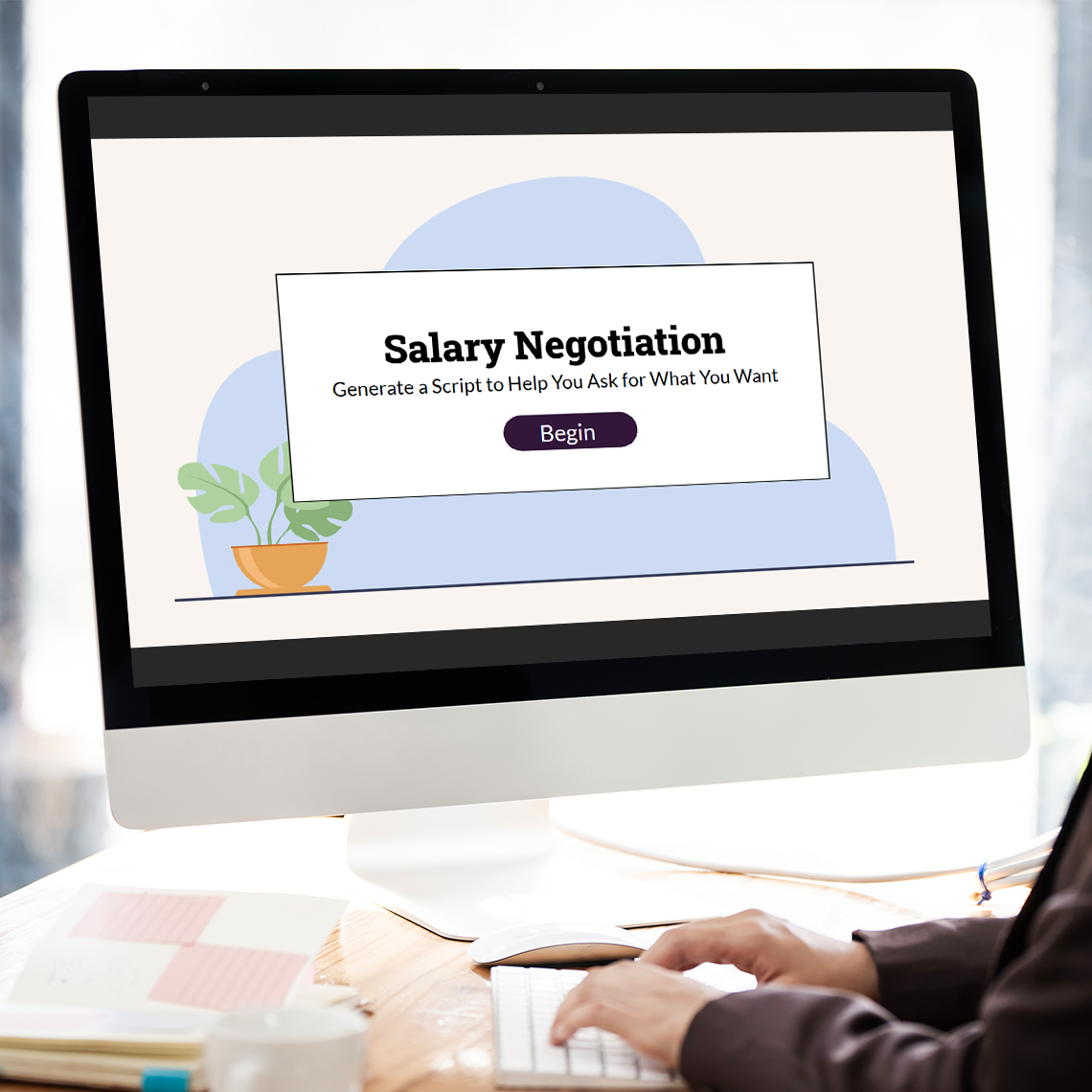
Salary Negotiation: Generate a Script to Help You Ask for What You Want
Tools: Adobe Illustrator, Adobe XD, Articulate Storyline
Overview
This project was designed for an eLearning Heroes Challenge, Using Variables to Create Question-and-Answer Activities #392, which entails capturing learner input and using variable references to display the learner’s answers. The goal was to move beyond multiple choice by engaging learners in short-response practice paired with model answers, an approach that promotes deeper synthesis and self-checking. The result was an example showing how bite-sized learning can tackle a real-world skill problem.
Analyze
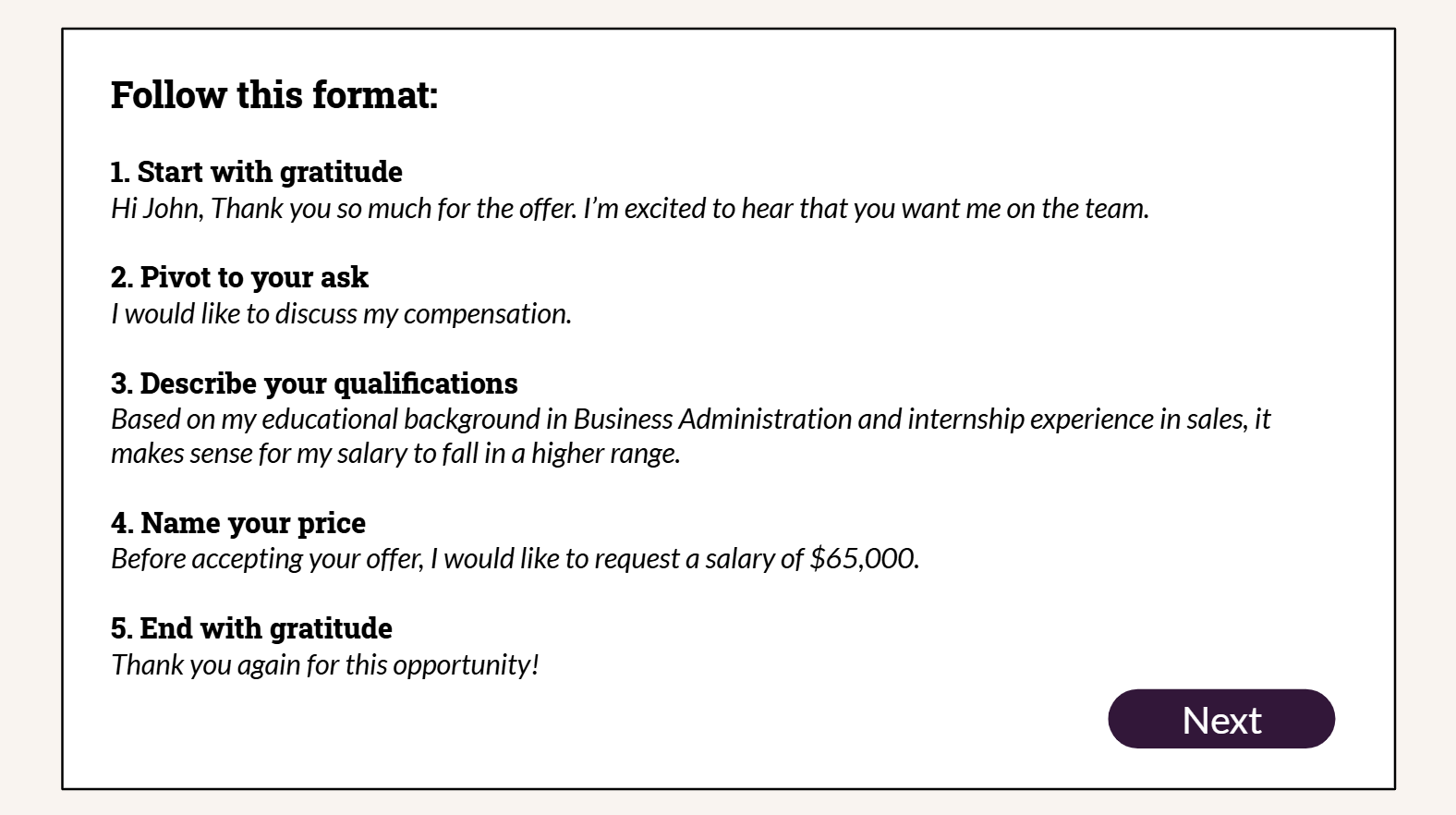
I chose the topic of salary negotiation in response to informal interviews with friends who reported not feeling confident enough to negotiate their salary when accepting a job offer. That observation matched the broader data – 60% of women never negotiate their salary, according to CNBC. I decided to design a microlearning experience in which learners would come away with a framework to help them structure negotiation conversations and practice using the language by building a script. I developed this framework by reviewing existing salary negotiation language from career sites like Indeed, CNBC, and InHerSight and ultimately landed on five repeatable steps: “start with gratitude,” “pivot to your ask,” “describe your qualifications,” “name your price,” and “end with gratitude.”
Design
When I was a teacher, I liked to design lessons that helped learners create their own learning supports. Just as my fourth graders built their own list of sentence stems to scaffold five-paragraph essays, I wanted to give job seekers scripted language to scaffold their own negotiations. To do this, I would use variable references so that learners could build their own printable artifact, a negotiation script. This example would to serve as a “leave behind” they could refer to as needed in an email or verbally when evaluating an offer and negotiating a salary. This approach made the activity authentic, performance-based, and transferable to real-world contexts.
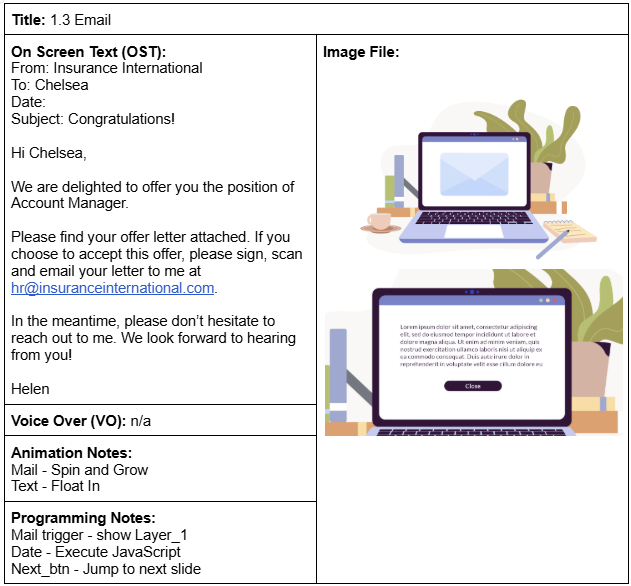
I began with the storyboard and focused on sequencing the scenario around Clark and Mayer’s recommendation to pair worked examples with learner practice. The microlearning flow involved presenting the framework, showing a worked example, and asking learners to draft their own salary negotiation email.
Develop
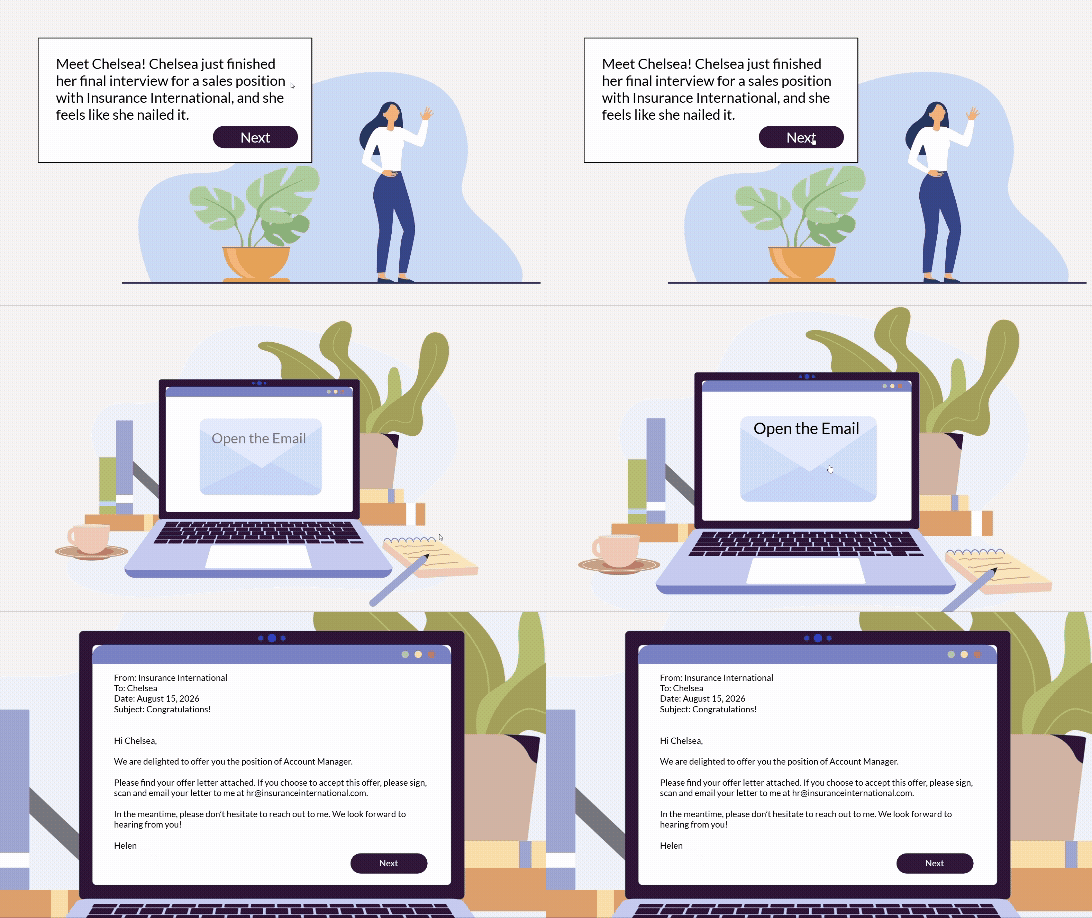
Per the ELH Challenge requirements, I used text entry boxes to capture learner responses for each element of the framework. After the learner submits their response to each element of the framework, the next slide uses variable references to display their email draft, which they can print. This approach helps learners see how each step in the framework builds to produce a convincing "ask."
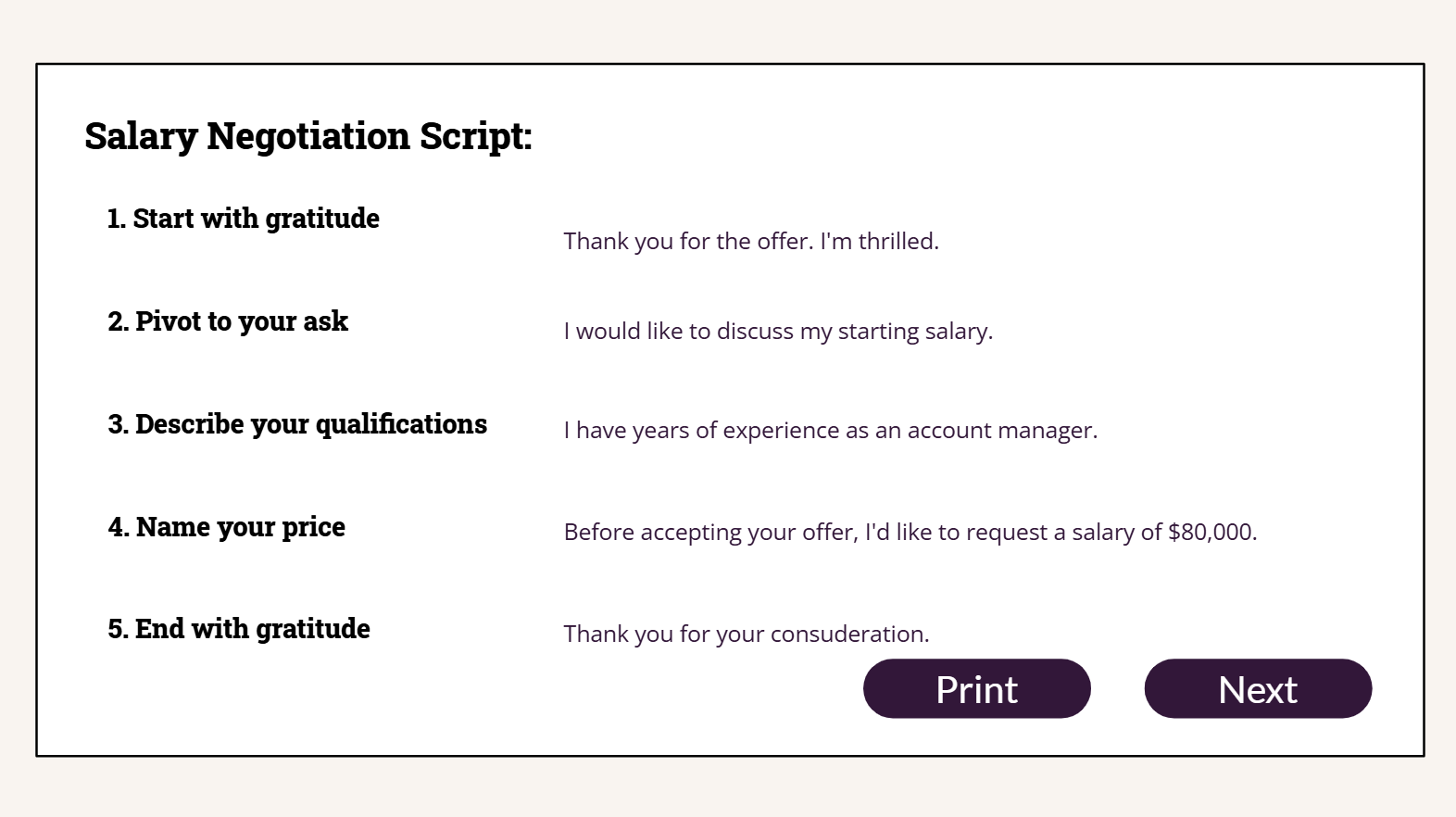
The biggest issue I caught in quality assurance reviews was that I reversed two of the variable references, causing the learner’s email draft to display email components in the wrong order. This mistake helped me refine my variable naming conventions to keep better track of variables during course development.
Result
A fellow instructional designer in the eLearning Heroes community reviewed the demo and called it a perfect microlearning course from start to finish, praising the pedagogy, information, animation, and storytelling as simple and well-realized. He said he wanted to share it with other designers he works with.
The decision in this project I'm most proud of is building the learning around a practice opportunity that results in an artifact. Artifact-based design is something I continue to use often as a learning designer. It’s a great way to make the learning more real and helps support transfer.
If I were to iterate further on this project, there are two strategic changes I’d prioritize.
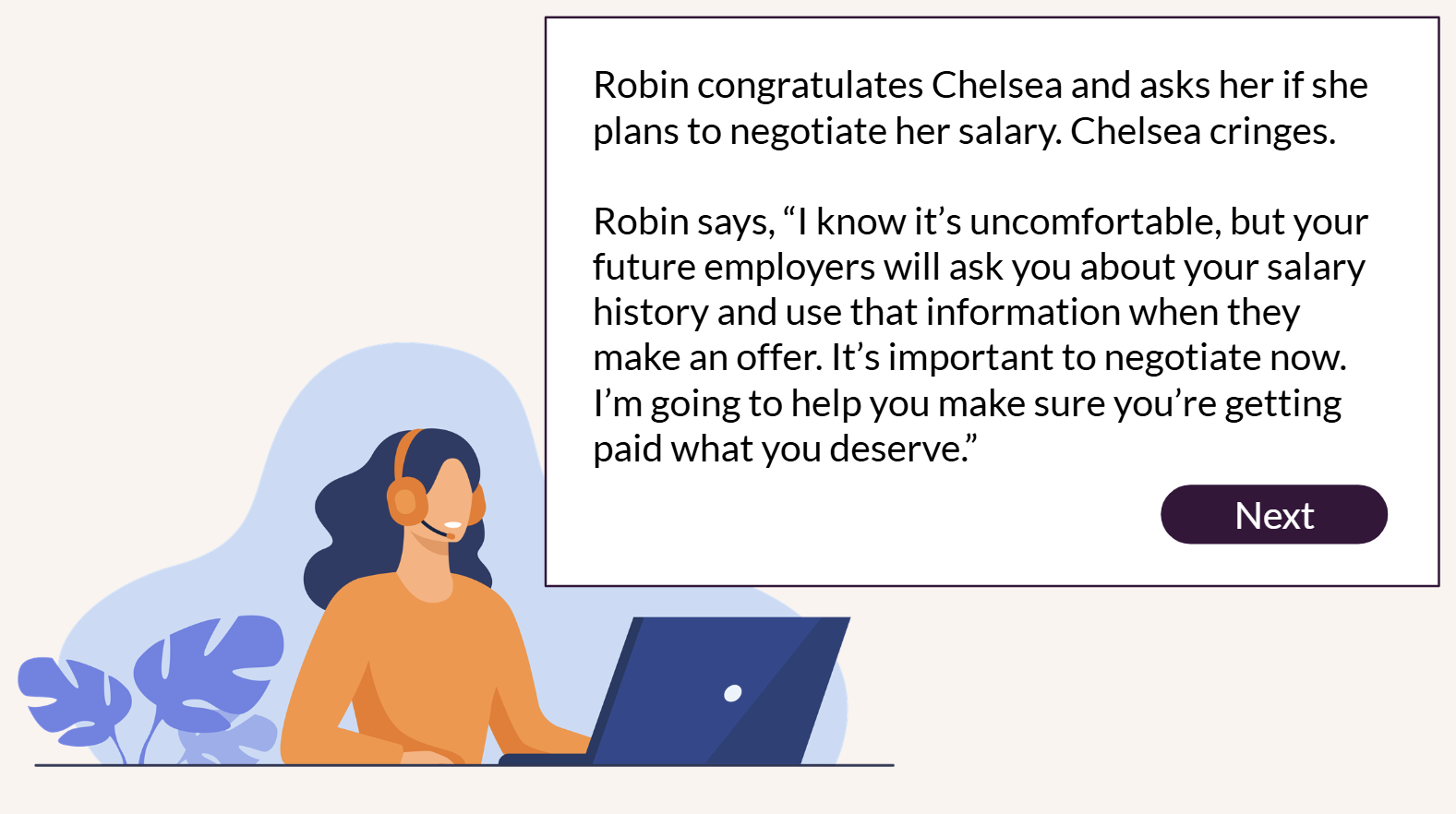
First, the story uses an “on-screen agent” or coach, Robin, who introduces the salary negotiation framework. The on-screen agent is currently static, with no human-like movement or gestures. Clark and Mayer’s embodiment principle indicates that agents with human-like gestures, gaze, and movement support learning more effectively than static images, so I’d like to use animation to bring Robin to live.
Second, the current microlearning uses on-screen text without narration. Clark and Mayer’s research suggests that adding human narration would likely better support transfer in this scenario-based format.
This project began as an opportunity to stretch my technical abilities — for instance, by using a JavaScript function to dynamically insert the current date into email headers. Ultimately, though, it led me to think more about microlearning’s role in providing practice opportunities within a blended learning experience. That question — how a short piece of practice can scaffold or reinforce within a learning path — is one I still return to in my current design work, and it has shaped how I think about intentionally deploying different modalities.